Automated WhatsApp Funnels for Ecommerce: A Step-by-Step Guide
A step-by-step guide to automated WhatsApp funnels for ecommerce, from API setup and AI agents to messages for each funnel stage.
A step-by-step guide to automated WhatsApp funnels for ecommerce, from API setup and AI agents to messages for each funnel stage.
Most eCommerce brands use WhatsApp for customer support. The ones growing fastest have figured out something different: WhatsApp conversations can close sales automatically, around the clock, without adding headcount.
When a customer can ask about product details, get a personalized recommendation, and complete checkout without leaving the chat, the path from interest to purchase shrinks dramatically. This guide covers how to build automated WhatsApp sales funnels from choosing between the Business App and API to configuring AI agents and measuring revenue attribution.
WhatsApp sales automation uses the WhatsApp Business API or platforms like ManyChat, Kommo, or TextYess to build chatbots, automate lead capture, and send personalized messages with AI for 24/7 support. The core steps involve designing conversational flows, setting trigger keywords, and connecting to CRM or eCommerce tools to manage sales automatically.
In practice, this choosing a sales assistant that works around the clock. Instead of manually responding to every inquiry, you configure automated messages that guide customers from first contact through purchase: handling greetings, product recommendations, cart recovery, and order updates while you focus elsewhere.
The business case for WhatsApp as a sales channel comes down to engagement. Customers actually read and reply to WhatsApp messages at rates that email can't match.
Higher open and response rates than email: WhatsApp messages typically see open rates above 90%, while email hovers around 20%. When customers reply, they're often ready to buy—50% of users make purchase decisions directly through WhatsApp.
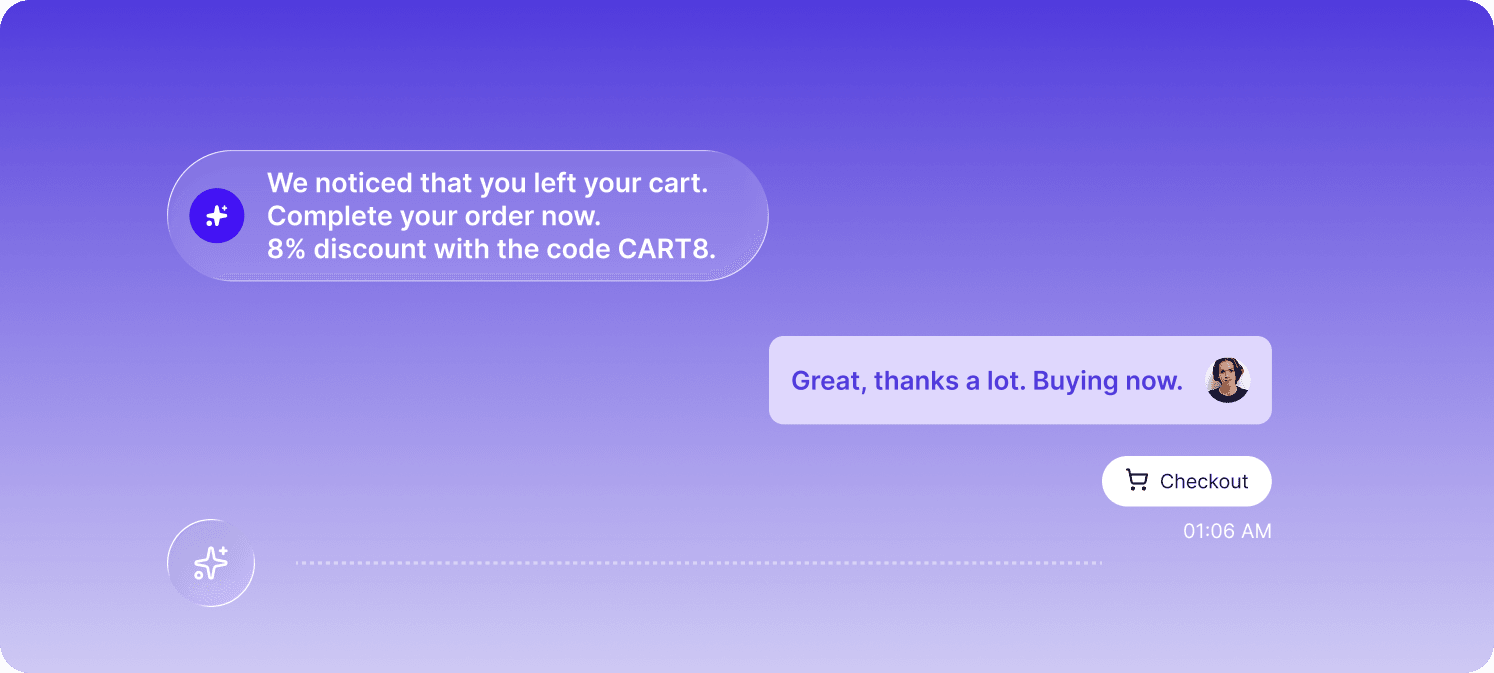
Always-on sales coverage without scaling headcount: Automated WhatsApp messages provide 24/7 availability. A shopper browsing at midnight can get product answers and checkout links without waiting for business hours.
Personalized conversations powered by customer data: WhatsApp automation tools pull from eCommerce and CRM data to deliver hyper-personalized recommendations based on browsing history, past purchases, and stated preferences.
Direct integration with your eCommerce stack: The best WhatsApp marketing software connects to your store, payment systems, and logistics tools—so order lookups, checkout links, and shipping updates happen inside the chat.
Before building your funnel, you'll face a key decision: stick with the free WhatsApp Business App or upgrade to the API. The right choice depends on your scale and automation goals.
The free app offers basic automation: greeting messages when someone first contacts you, away messages during off-hours, and quick replies for common questions. It works fine for solo operators handling a handful of conversations daily.
The limitations become obvious quickly. You're restricted to a single device, can't integrate with third-party tools, and every broadcast message requires manual sending. For anything beyond basic responses, you'll hit a ceiling.
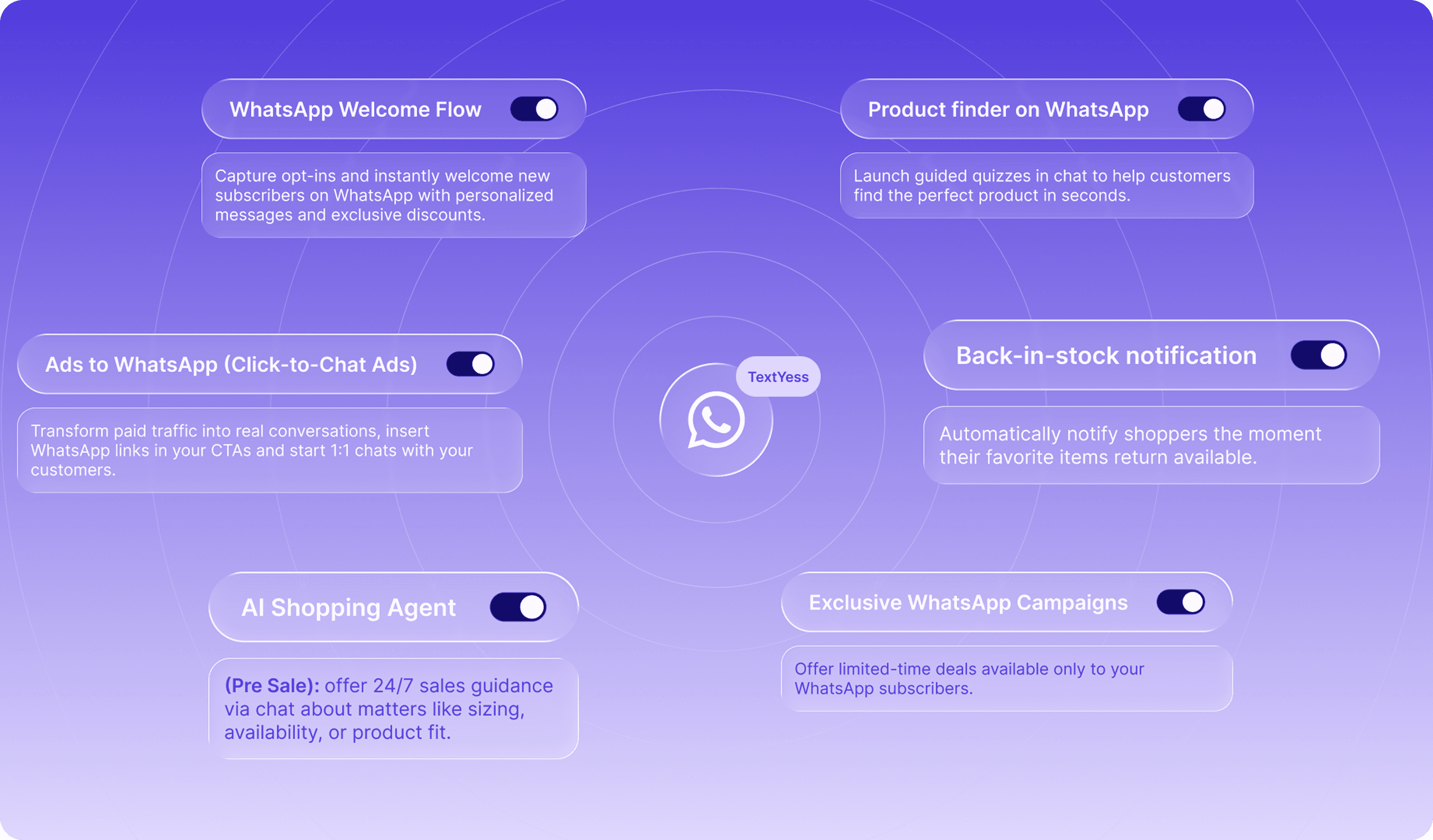
The API unlocks what most eCommerce brands actually want: multi-agent access, CRM integrations, chatbot deployment, and broadcast messaging to segmented lists. You can trigger automated messages based on customer behavior—abandoned carts, order confirmations, shipping updates—without touching a button.
The catch? You can't access the API directly. You'll work through a Business Solution Provider (BSP) like TextYess, Twilio, or Wati, which handles the technical setup and compliance requirements.
The move to the API makes sense when you're handling more conversations than one person can manage, when you want automation that responds to customer behavior, or when you're ready to integrate WhatsApp with your eCommerce platform.
Feature | WhatsApp Business App | WhatsApp Business API |
|---|---|---|
Automated messages | Basic (greeting, away) | Advanced (behavior-triggered) |
Multi-user access | No | Yes |
Third-party integrations | No | Yes |
Broadcast campaigns | Manual, limited | Automated, segmented |
Cost | Free | Per-conversation fees + BSP costs |
Let's walk through each step of creating a funnel that actually converts.
Start by identifying what you want to achieve. Are you capturing leads, recovering abandoned carts, or driving post-purchase upsells? Each goal shapes the messages you'll write and the triggers you'll configure. Get specific about your audience too: a funnel targeting first-time visitors looks different from one re-engaging past customers.
With the right tool, you don't have to choose: you can set different automations for each use case, from cart recovery to intent-based triggered messages.
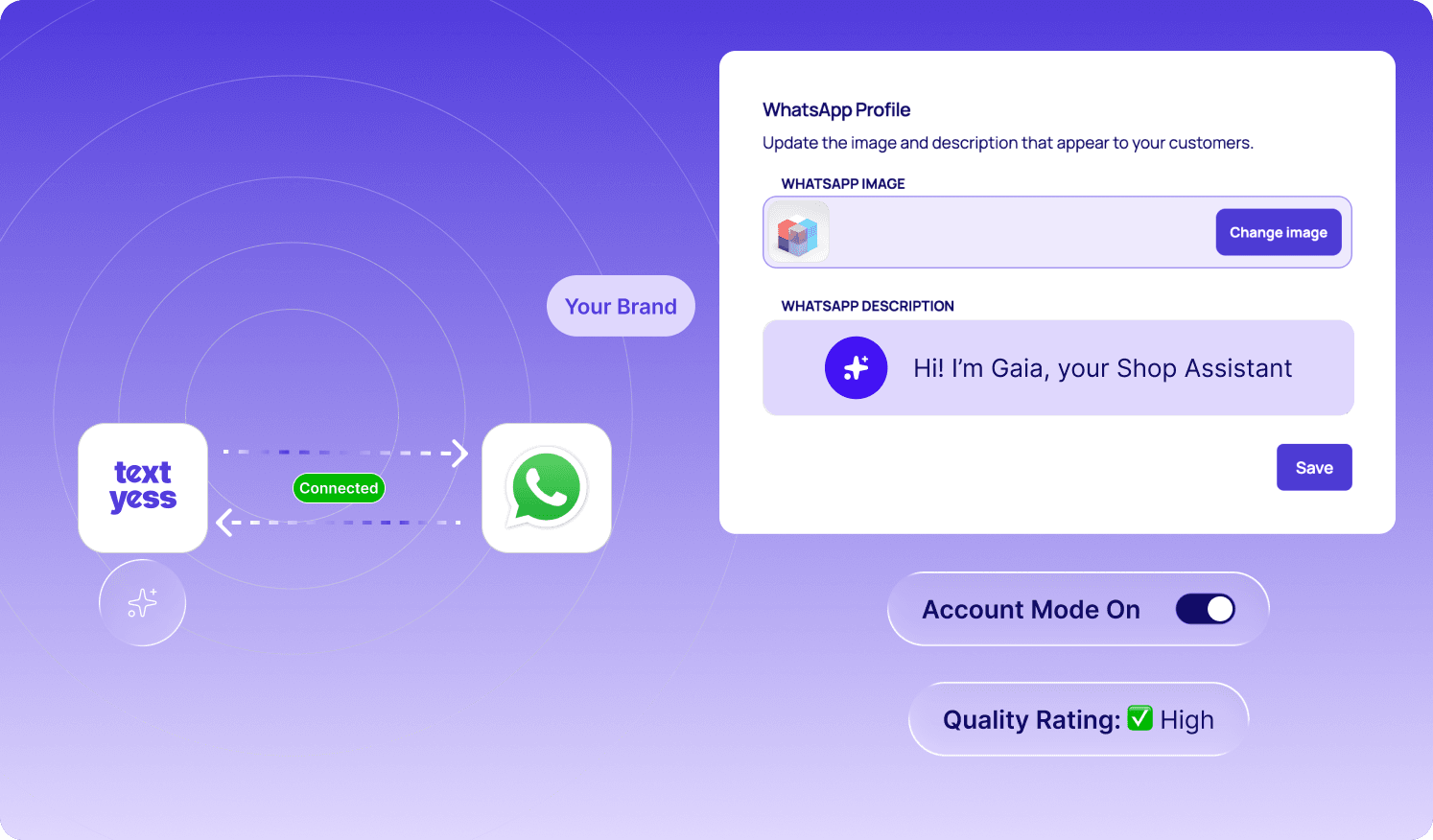
Your business profile is the first thing customers see. Add your logo, write a clear description, set business hours, and upload your product catalog if you're selling directly through WhatsApp. A complete profile signals legitimacy, which matters when you're asking customers to make purchases inside a chat.
Choose a Business Solution Provider that fits your technical resources and budget. Some platforms like TextYess offer no-code setup, while others like Twilio require developer involvement. You'll complete Meta's business verification process, which typically takes a few days.
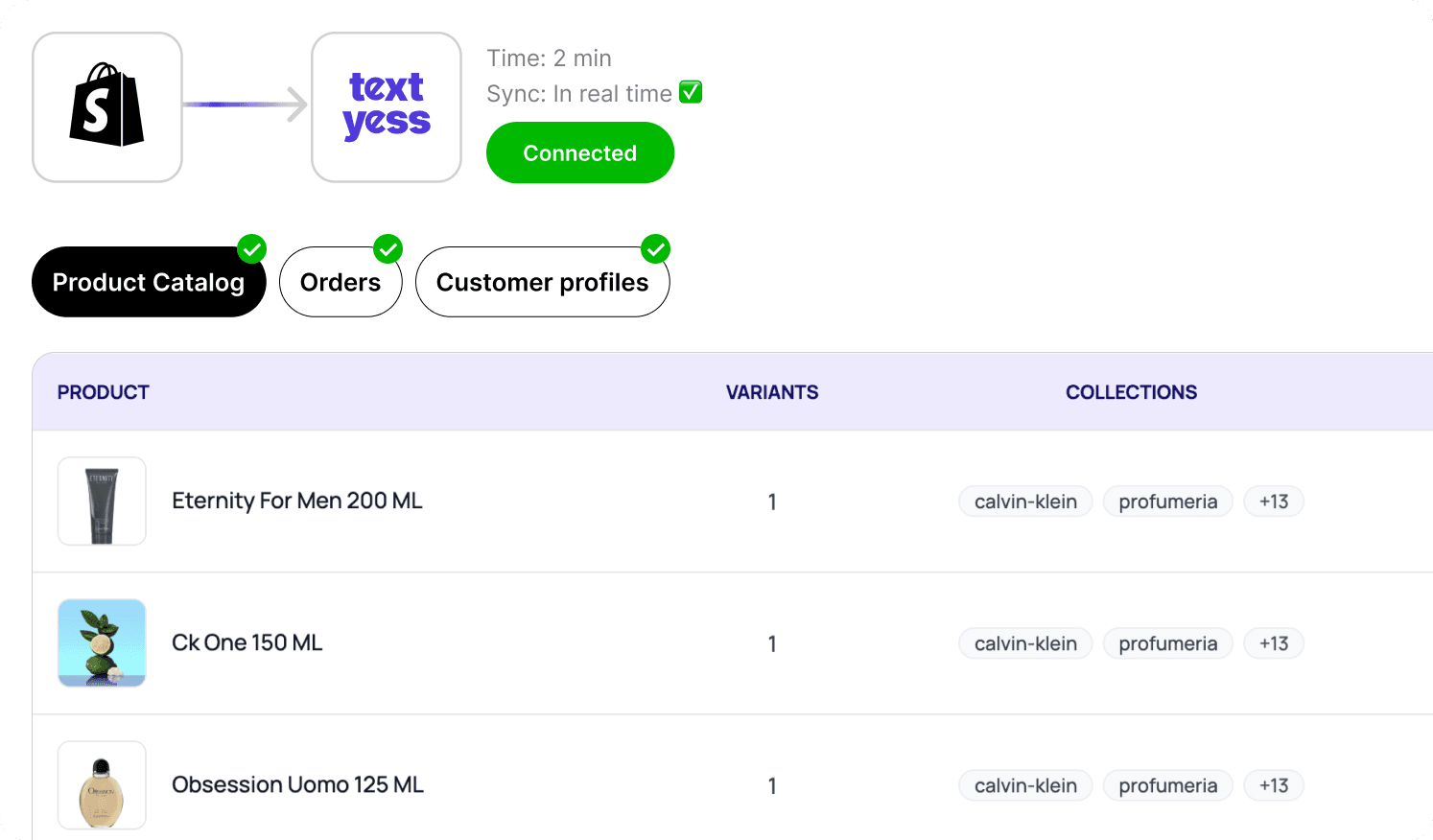
Connect your WhatsApp automation tool to your CMS—Shopify, WooCommerce, or whatever you're running. This sync pulls in your product catalog, order history, and customer profiles. The integration is what makes personalization possible; without it, your AI agent can't tell a customer whether their size is in stock or when their order shipped.
Once again, with TextYess the integration is in real time, with precise sync and custom options. For example, if you want to remove an article from your catalog or change its price, the AI Agent will learn it automatically.
Set up your AI agent's tone, goals, and knowledge base. What questions can it answer? How does it sound—formal, friendly, somewhere in between? Platforms like TextYess allow no-code configuration, meaning you can define parameters without writing code. The setup typically takes minutes rather than weeks.
Write message templates for every stage of the customer journey: welcome messages for new subscribers, qualification questions to understand intent, product recommendations, cart recovery nudges, checkout assistance, and post-purchase follow-ups. WhatsApp requires template approval for proactive messages, so submit templates early and expect a review period of 24-48 hours.
With TextYess you can streamline your writing with the help of AI inside our templates section: turn your drafts into converting messages way faster.
Before going live, test the full flow yourself. Send a message, trigger each automation, click every link, and verify that handoffs to human agents work smoothly. Small issues—a broken checkout link, a confusing message sequence—can tank conversion rates.
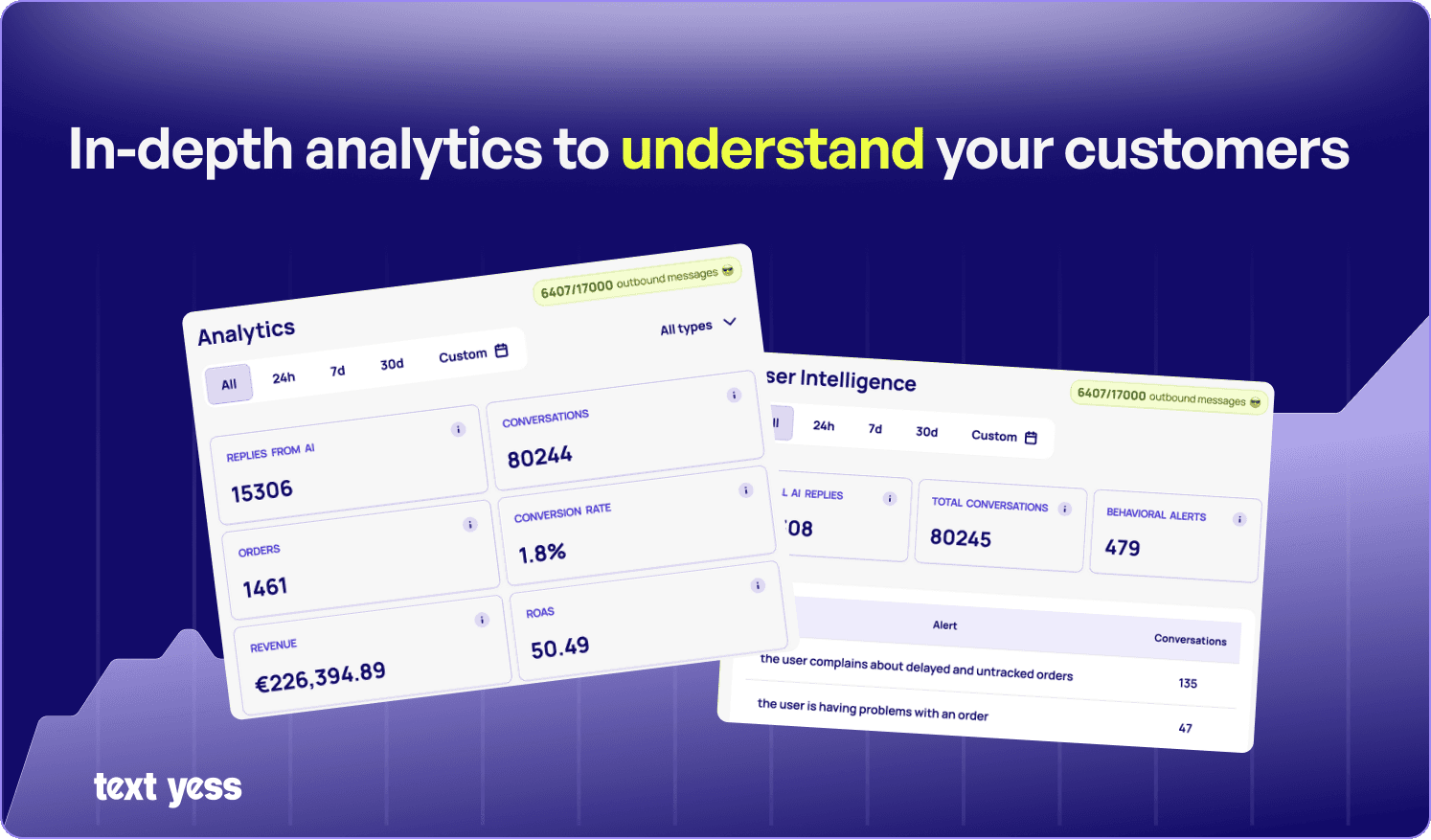
Once live, monitor your metrics: response rates, conversion rates, revenue attributed to WhatsApp. Use this data to refine message copy, adjust send timing, and segment your audience more precisely. The first version of your funnel is rarely the best.
Different stages of the customer journey call for different messages. Here's what to send and when.
The first automated message sets expectations. Introduce your brand, explain what the customer can expect from this channel, and prompt engagement with a question or offer. Keep it short: a wall of text in a welcome message signals that future messages will be equally overwhelming.
AI agents can ask qualifying questions—"What's your budget?" or "What style are you looking for?"—and suggest relevant products based on responses. The key is making the conversation feel helpful rather than interrogative.
With an average cart abandonment rate of 70.22% across eCommerce, timing matters. Send the first recovery message within an hour of abandonment, while purchase intent is still fresh. Include the specific items left behind, address common objections like shipping costs, and make it easy to complete the purchase directly in the chat.
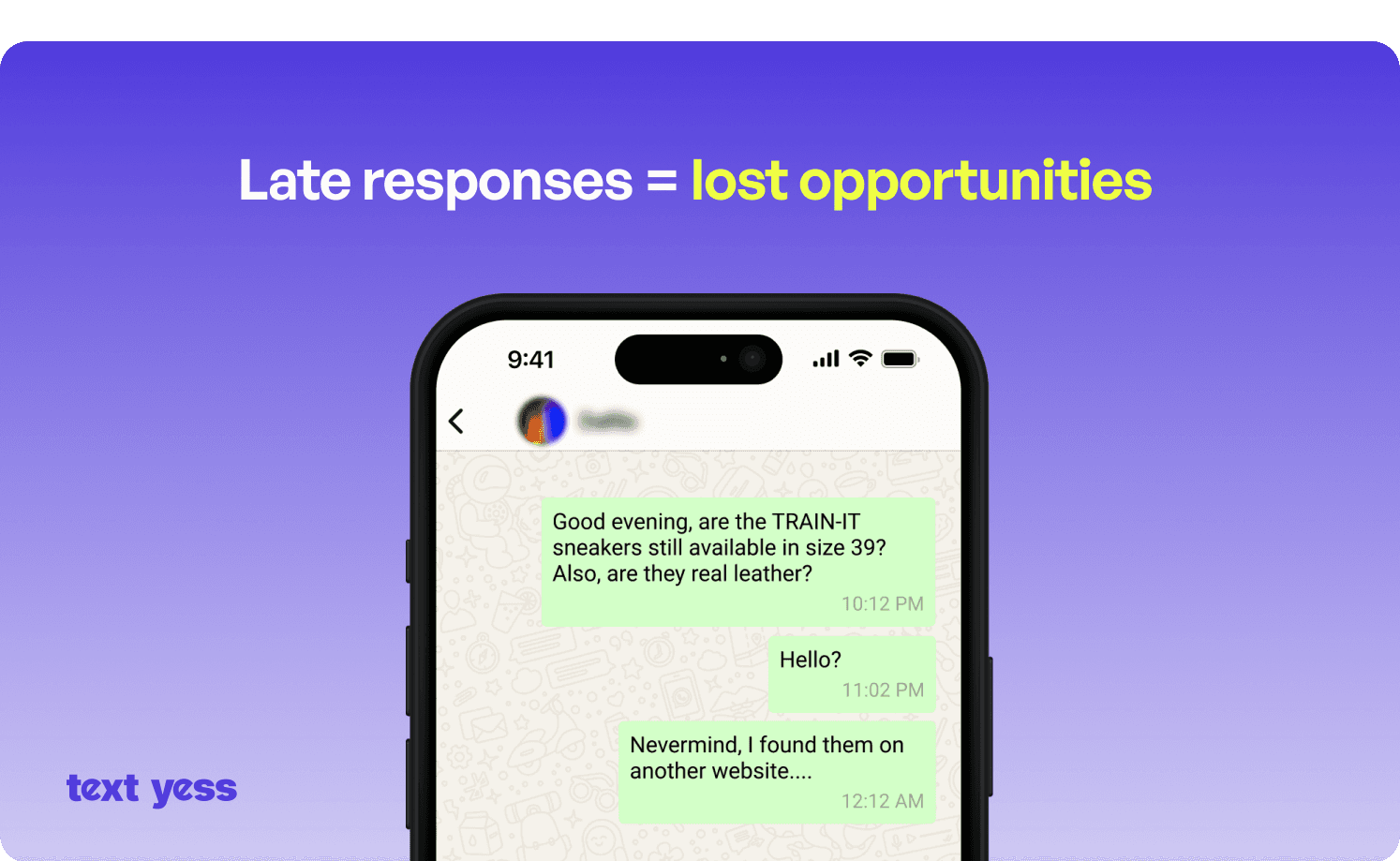
Some customers abandon carts because they have last-minute questions. Automated messages offering checkout help—"Need help completing your order?"—can capture sales that would otherwise slip away. Payment reminders work well for pending orders, especially in markets where bank transfers or delayed payment methods are common.
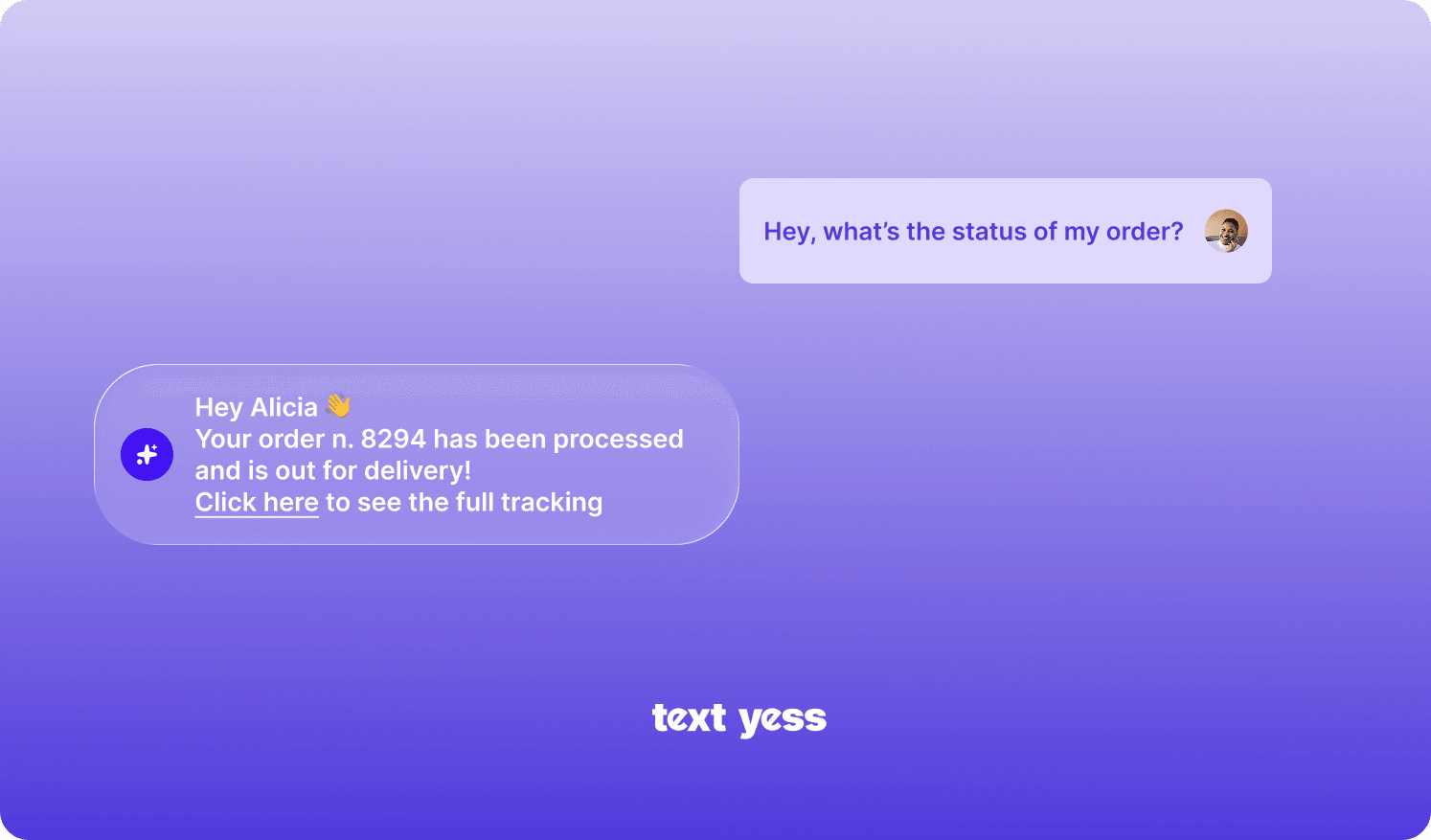
Transactional messages keep customers informed and reduce "where is my order?" support tickets. Confirm orders immediately, send shipping notifications with tracking links, and notify customers when delivery is imminent.
After delivery, follow up with complementary product recommendations or reminders to reorder consumables. A customer who just bought running shoes might appreciate a message about performance socks a week later. The timing and relevance of post-purchase messages determine whether they feel helpful or spammy.
The platform you choose shapes what's possible. Here's how the main options compare.
An AI-first conversational platform built specifically for eCommerce. TextYess offers a unified inbox across WhatsApp, on-site chat, and voice, with deep store integrations and no-code setup. The platform emphasizes revenue attribution: you can see exactly which conversations generated orders.
A WhatsApp Business API provider focused on SMBs, offering a chatbot builder and shared inbox at accessible price points. It's a solid choice for teams that want API access without enterprise complexity.
Popular for Instagram and WhatsApp automation with a visual flow builder. ManyChat works well for marketing campaigns and lead generation, though its eCommerce integrations are less deep than purpose-built platforms.
A developer-focused API platform offering maximum flexibility. Twilio is powerful but requires technical resources to implement—best suited for teams with engineering capacity who want custom solutions.
A multi-channel marketing platform with WhatsApp messaging as part of a broader CRM and email suite. Brevo works well for brands that want WhatsApp as one channel among many rather than a primary sales driver.
Platform | Best For | eCommerce Integrations | AI Capabilities | Setup Complexity |
|---|---|---|---|---|
TextYess | Revenue-focused eCommerce | Deep (Shopify, WooCommerce) | Advanced AI agents | No-code |
Wati | SMB WhatsApp automation | Moderate | Basic chatbots | Low |
ManyChat | Marketing campaigns | Basic | Flow-based | Low |
Twilio | Custom implementations | Flexible (requires dev work) | Varies | High |
Brevo | Multi-channel marketing | Moderate | Basic | Medium |
Tracking the right metrics reveals whether your investment is paying off.
Response rate: Percentage of messages that receive a reply. Low response rates often indicate messaging that feels irrelevant or intrusive.
Conversion rate: Percentage of conversations that result in a purchase. High-performing AI agents typically reach conversion rates between 15% and 30%.
Revenue attributed: Total sales tied directly to WhatsApp conversations. This is the number that justifies your investment.
Autonomous resolution rate: Share of inquiries handled without human intervention. Higher rates mean more scalable operations.
Attribution requires connecting your WhatsApp platform to your eCommerce backend. When a customer completes a purchase after a WhatsApp conversation, the system records that revenue as WhatsApp-attributed. Platforms with native eCommerce integrations handle this automatically.
A/B test message copy, experiment with send timing, and refine audience segments based on what the data shows. Review metrics as a set rather than in isolation—a high autonomous resolution rate with a low conversion rate suggests the AI handles conversations efficiently but isn't closing sales.
Building a WhatsApp sales funnel comes down to a few key decisions: choosing the right automation tool, connecting it to your eCommerce stack, configuring your AI agent, and launching automated messages across every funnel stage.
The brands seeing the strongest results treat WhatsApp as a revenue channel, not just a support function. When conversations can capture leads, recover carts, and close sales—all without human intervention—you've built something that scales in a conversational commerce market reaching $38.49 billion by 2032.
Discover TextYess to see how AI agents can automate your WhatsApp sales funnel in minutes.
How much does WhatsApp Business API access cost?
Is WhatsApp sales automation compliant with GDPR?
Can WhatsApp automation tools send messages in multiple languages?
How long does it take to set up a WhatsApp sales funnel?
What is the difference between a WhatsApp chatbot and an AI sales agent?